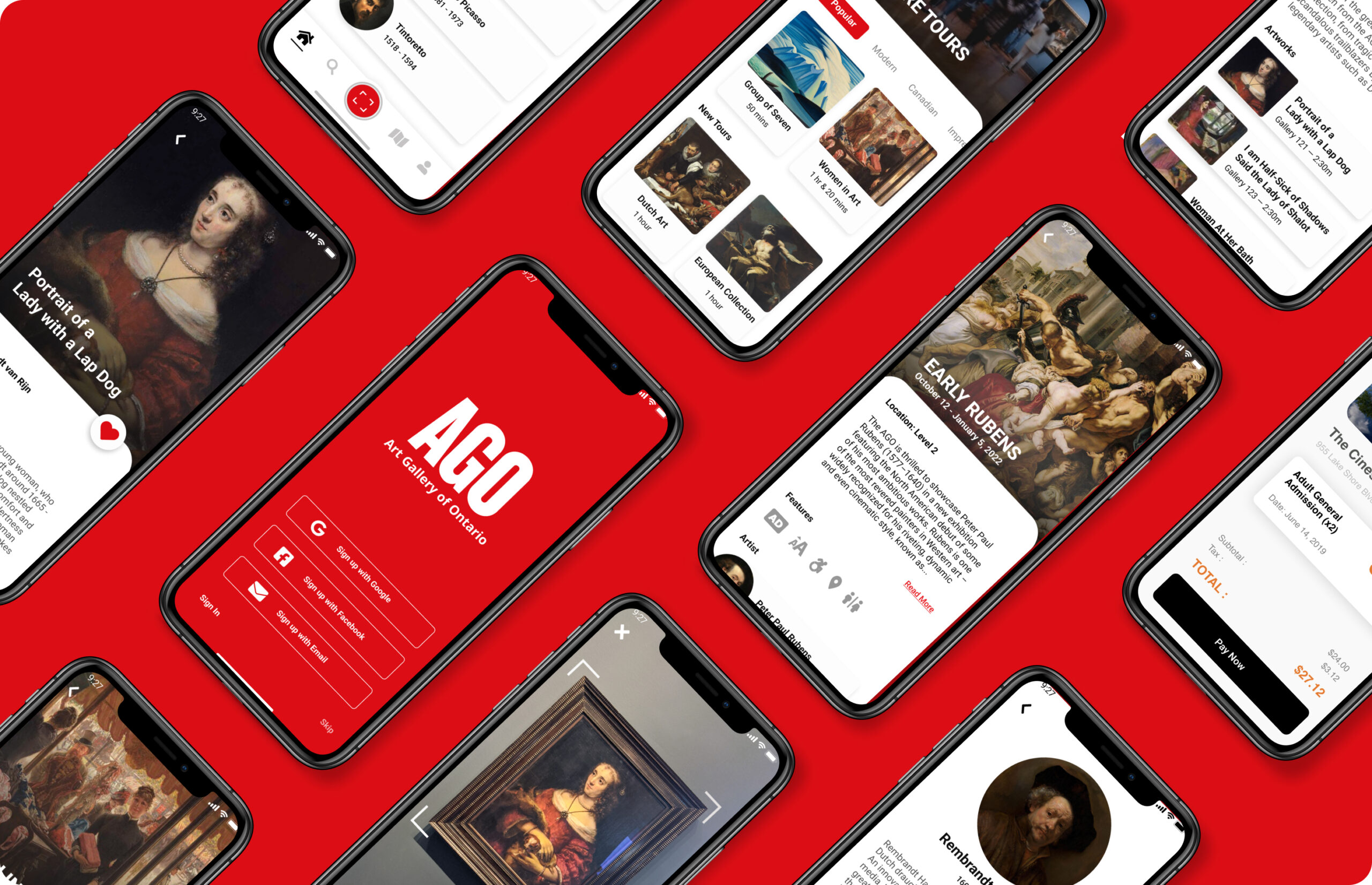
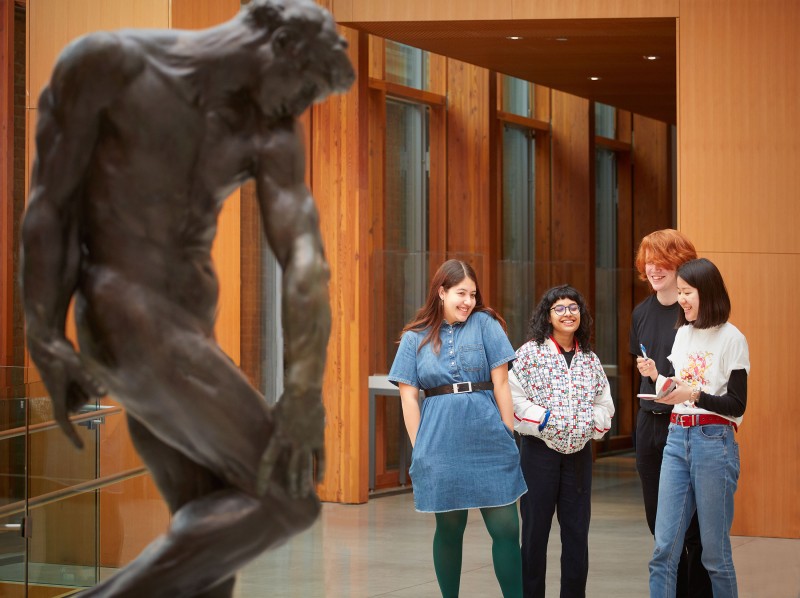
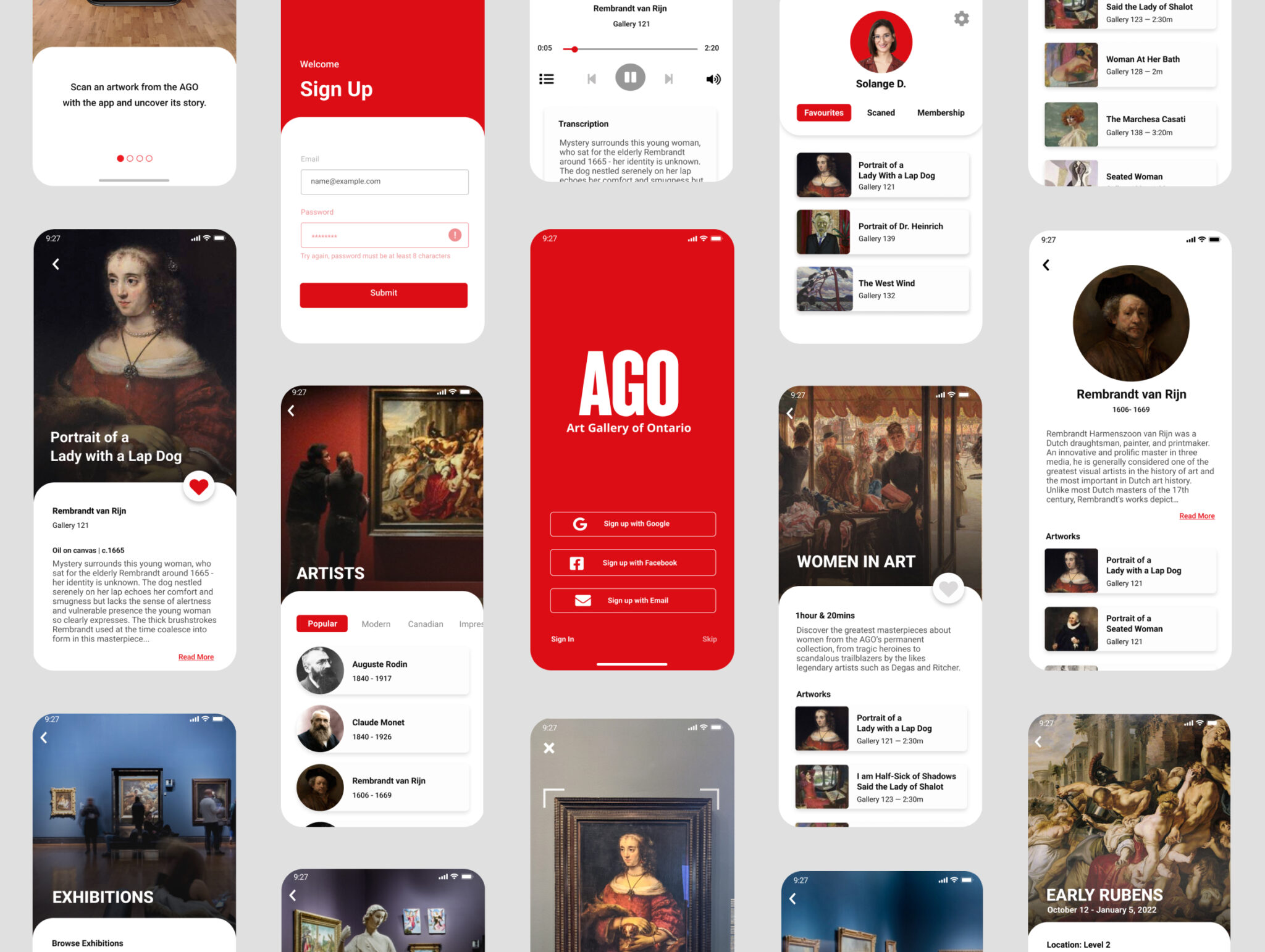
The Art Gallery of Ontario (AGO) serves a large, diverse visitor base, yet the on-site experience depends heavily on physical signage, staff interaction, and traditional tours.
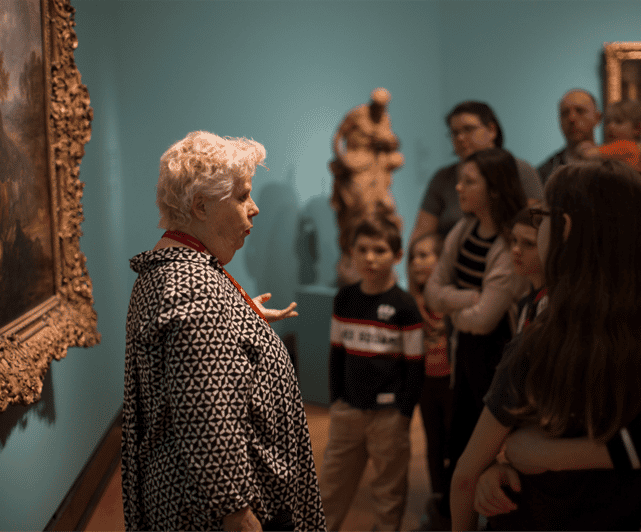
Based on firsthand experience as an AGO tour guide, I identified a gap between the institution’s accessibility mission and the visitor experience. This represented an opportunity to use a mobile product to improve inclusion, reduce operational load, and modernize how visitors engage with the collection.
DISCOVERY & INSIGHT
Competitor Analysis also revealed key accessibility features to include and additional gaps that could be addressed within the prototype.
Smartify is an app that uses your phone’s camera to scan an artwork on display and pull up information about the artwork from its wiki-style database. The app also features pre-built tours and audio guides but caters only to high-profile museums like the MET and the Louvre.
The Vancouver Art Gallery and Musée des beaux-arts’ de Montréal include many useful elements such as a gallery map, hours, FAQ, and connection to your gallery membership account.
PRODUCT STRATEGY
I planned and conducted 13 user interviews to understand the opportunities and challenges of navigating the gallery, learning about its artworks, and obtaining other
accessibility services.
The combination of research interviews and competitive analysis revealed a few key ways the app could improve the visitor experience:
Address major accessibility concerns for visually and auditorily impaired visitors, with descriptive text and audio.
Cater to the large demographic of visitors who like to navigate the gallery independently, without interacting with staff.
Reduce visitor’s dependence on Customer Services, Tour Guides, and Security to navigate and learn about the gallery.
"The art was great but the signage is terrible." — Google Review
"The art was great but the signage is terrible." — Google Review
VALIDATION
After synthesizing my findings and looking at the timeline, I identified 3 distinct product opportunities to action on when building the prototype.
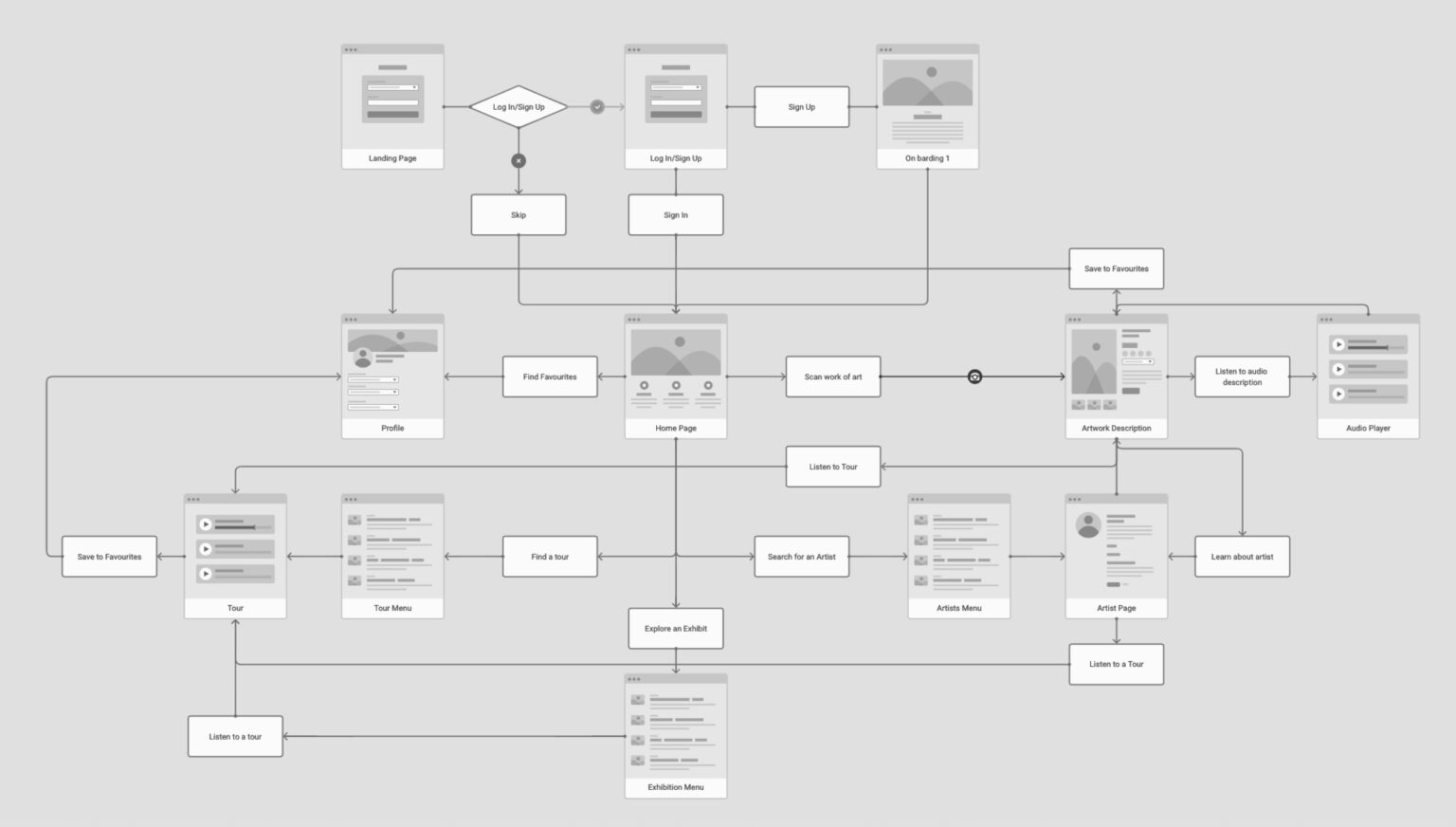
I mapped out in a user flow how artworks would be scanned and discovered, along with other critical interactions such as onboarding, mapping, and more.
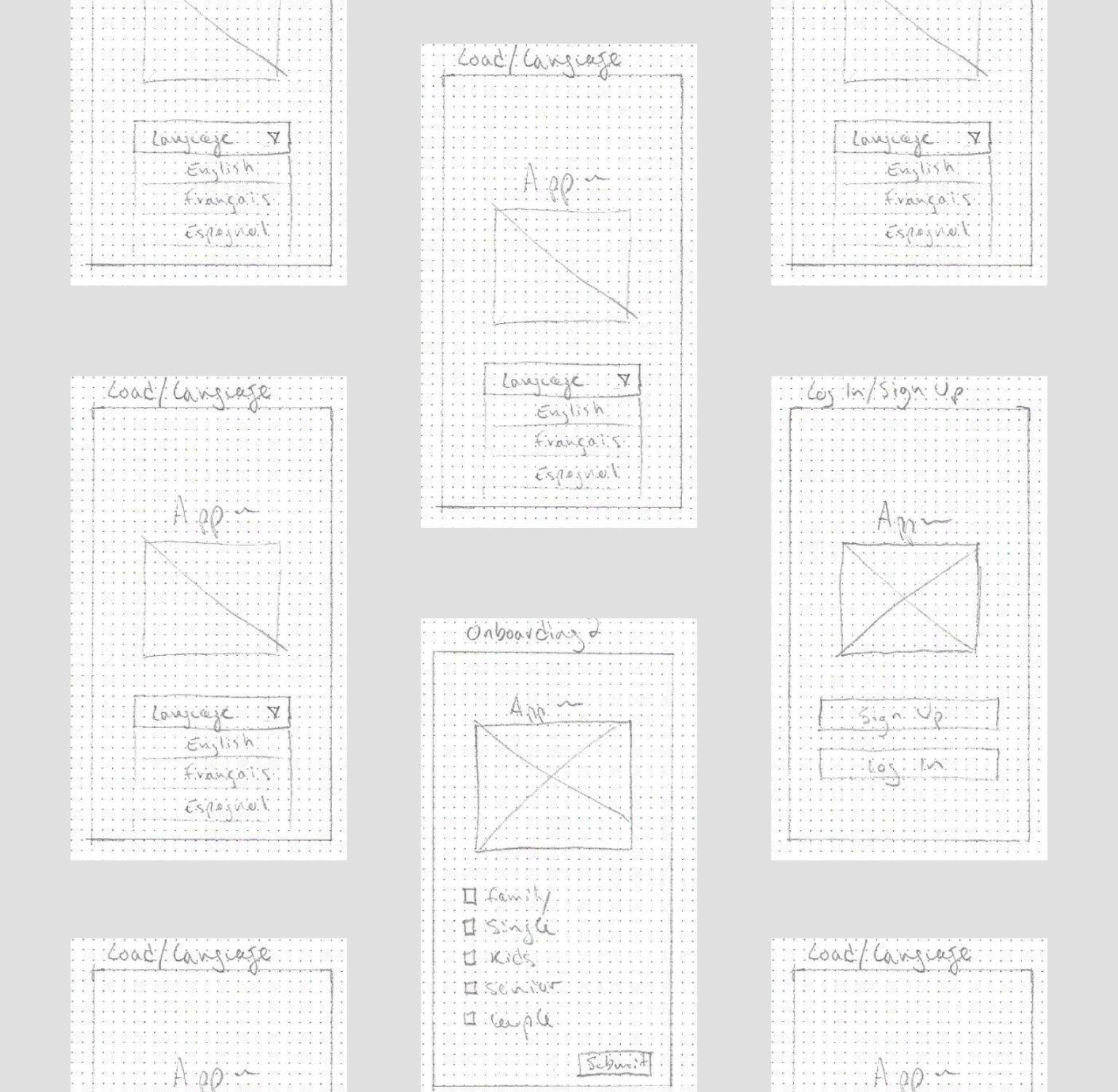
Next, I designed a series of low-fidelity wireframes for key screens based on my user flow. Ensuring all the accessibility features reside in the AGO app eliminates any risk of there being gaps for both disabled and non-disabled visitors.
OUTCOME & IMPACT
Conducting a usability test with 3 AGO visitors helped me refine the functionality of the app’s main user flow, and reduce friction for the user.
Some of the accessibility features, like the ‘increase text’ were said to be too prominent and distracting.
Users wanted a more familiar UI experience for the nav bar and camera mode screens.
Some users wanted to access their location in the gallery or that of the artwork from any screen.
TAKEAWAYS
This case demonstrates how accessibility can function as a strategic growth and efficiency lever, not just a compliance requirement.
By embedding inclusive design into the core visitor journey, the AGO could improve experience quality, operational efficiency, and long-term engagement, without increasing physical infrastructure complexity.
As a product leader, I focus on aligning user needs, institutional goals, and measurable outcomes to deliver solutions that scale across diverse audiences.